What Employers Should Look for in a Temporary Staffing Dashboard
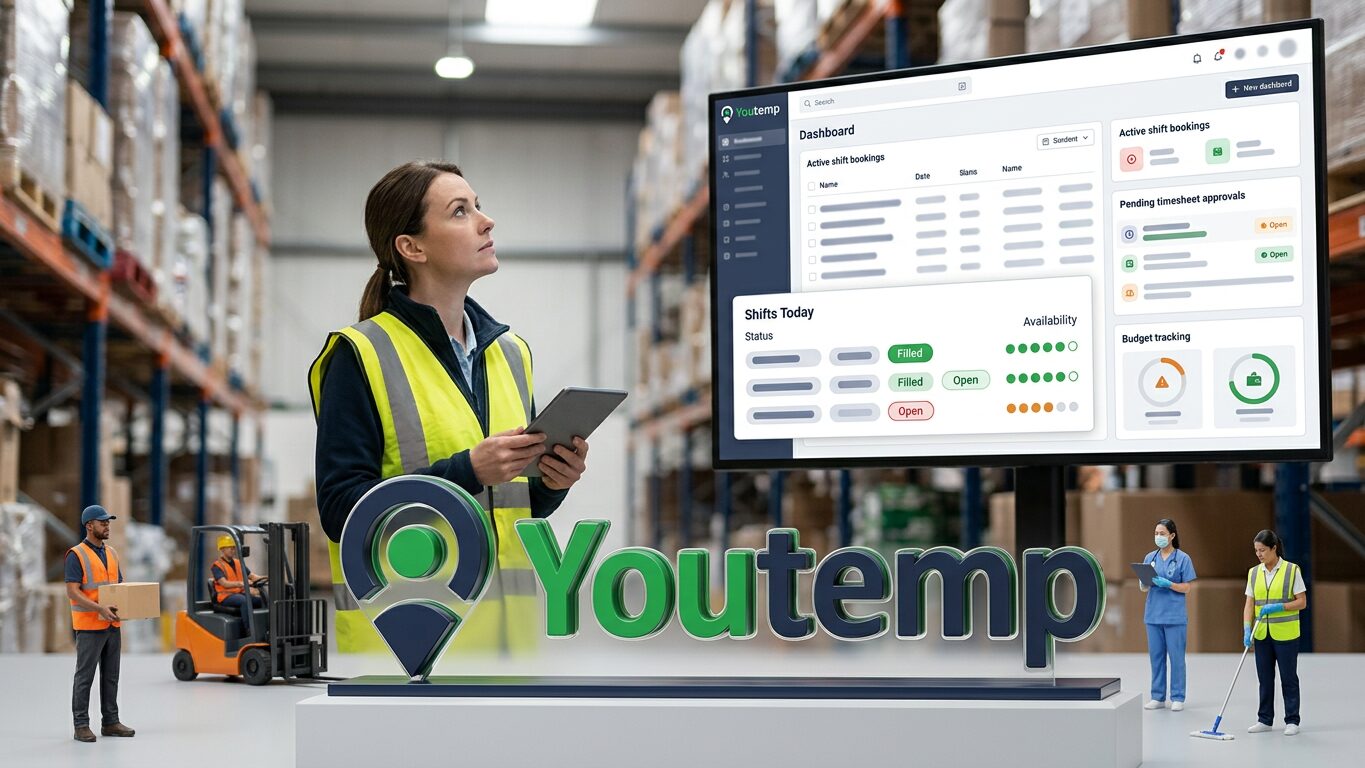
Employers overseeing temporary staff need a temporary staffing dashboard that provides clear visibility of shift bookings, worker allocations, timesheet approvals, and budget tracking to maintain effective operational.
usman ahmed
Key takeaway
A dedicated temporary staffing dashboard provides employers with immediate, actionable visibility into shift fulfilment, worker compliance status, and budget allocation, moving beyond basic reporting to become a central operational tool.
Effective management of temporary workers requires clear visibility and control over staffing operations. For employers, a dedicated temporary staffing dashboard is more than just a reporting tool; it's a central hub designed to manage flexible workforce needs efficiently. This dashboard should offer a real-time overview of current bookings, upcoming shifts, and associated costs, helping hirers maintain operational continuity without getting bogged down in manual administrative tasks. Understanding what features are crucial allows employers to select systems that truly support their day-to-day operations and strategic planning. A well-designed temporary staffing dashboard consolidates key information, from agency worker compliance to budget tracking, into one accessible view.
Core Features of a Temporary Staffing Dashboard
When evaluating a temporary staffing dashboard, employers should look for core functionalities that directly address their operational challenges. The priority is to simplify the management process, from posting shift requests to approving worker timesheets. A robust dashboard typically includes features for shift posting, viewing worker profiles, approving timesheets, and monitoring budgets. Beyond these, the ability to track worker patterns and streamline communication with partner agencies can significantly enhance efficiency and fill rates.
Shift Management and Fulfilment Visibility
For any employer relying on temporary staff, understanding the status of open shifts is paramount. A valuable temporary staffing dashboard provides an immediate overview of all active and upcoming shifts. This includes the ability to see which shifts are confirmed, which are awaiting worker acceptance, and any that remain unfulfilled. For example, if a critical evening shift for care support is still open, the dashboard should highlight this, allowing immediate action. Employers should be able to post new shifts directly from the dashboard, specifying roles, required skills, and shift times. Visibility extends to knowing which workers are assigned to which shifts, their scheduled hours, and any last-minute changes or cancellations, such as a worker calling in sick. This level of detail helps prevent gaps in coverage and ensures operational continuity. Learn more about effective shift management for employers.
Worker Tracking and Compliance Overview
Employers need to know who is coming to work within their premises and confirm that necessary pre-placement checks have been completed. A quality temporary staffing dashboard allows employers to view profiles of assigned workers, including their core qualifications and a status indication of compliance documents processed by the agency. While the agency handles the primary right-to-work and other pre-placement checks, the dashboard should offer verification that these steps have been taken. This could mean seeing a 'verified' status next to a worker's name or accessing a summary of their key credentials. For example, an employer in healthcare might verify that a temporary nurse has valid NMC registration and up-to-date training certificates visible via the dashboard, even if the comprehensive document copies reside with the agency. The dashboard should also support tracking worker attendance and aggregated feedback, aiding in future staffing decisions and ensuring quality worker provision. For a complete overview of employer tools, visit Youtemp for employers.
Timesheet Approval and Budget Control
One of the most time-consuming aspects of managing temporary staff is timesheet processing and subsequent invoice reconciliation. An effective temporary staffing dashboard includes a clear, intuitive module for reviewing and approving timesheets. Employers should receive notifications for pending approvals and be able to review hours worked against scheduled shifts before finalising. This streamlines the payroll preparation process with the agency and reduces potential disputes. Alongside timesheet approval, detailed budget reporting is critical. The dashboard should provide real-time reporting on spend against budget, breaking down costs by department, project, or role. This allows employers to monitor expenditure closely and make informed decisions about staffing levels and preferred suppliers. Understanding your budget and spending is vital for financial health.
Practical Staffing Scenarios for Employers
Consider an employer managing a busy logistics warehouse. A late-night call from an agency indicates two booked temporary workers for the morning shift have called in sick. With a comprehensive temporary staffing dashboard, the warehouse manager can immediately see outstanding shift gaps, filter for suitably skilled available workers from their preferred agency pool, and quickly approve replacement bookings. The dashboard centralises this critical information, avoiding phone tag and email delays and mitigating the risk of a no-show impacting operations.
Another scenario involves a care home where a temporary healthcare assistant regularly works specific shifts. The director can use the dashboard to quickly review their accumulated hours, ensuring they stay within expected working patterns in line with AWR considerations, and approve their weekly timesheets in one click, knowing the base compliance checks are handled by the agency.
Finally, a construction employer may need to track temporary labour costs across multiple project sites. The dashboard allows them to break down spend by site, understanding where their budget is being allocated and identifying any unexpected overruns, preventing invoice surprises at the end of the month. Enhanced staff management tools greatly simplify these complex tasks.
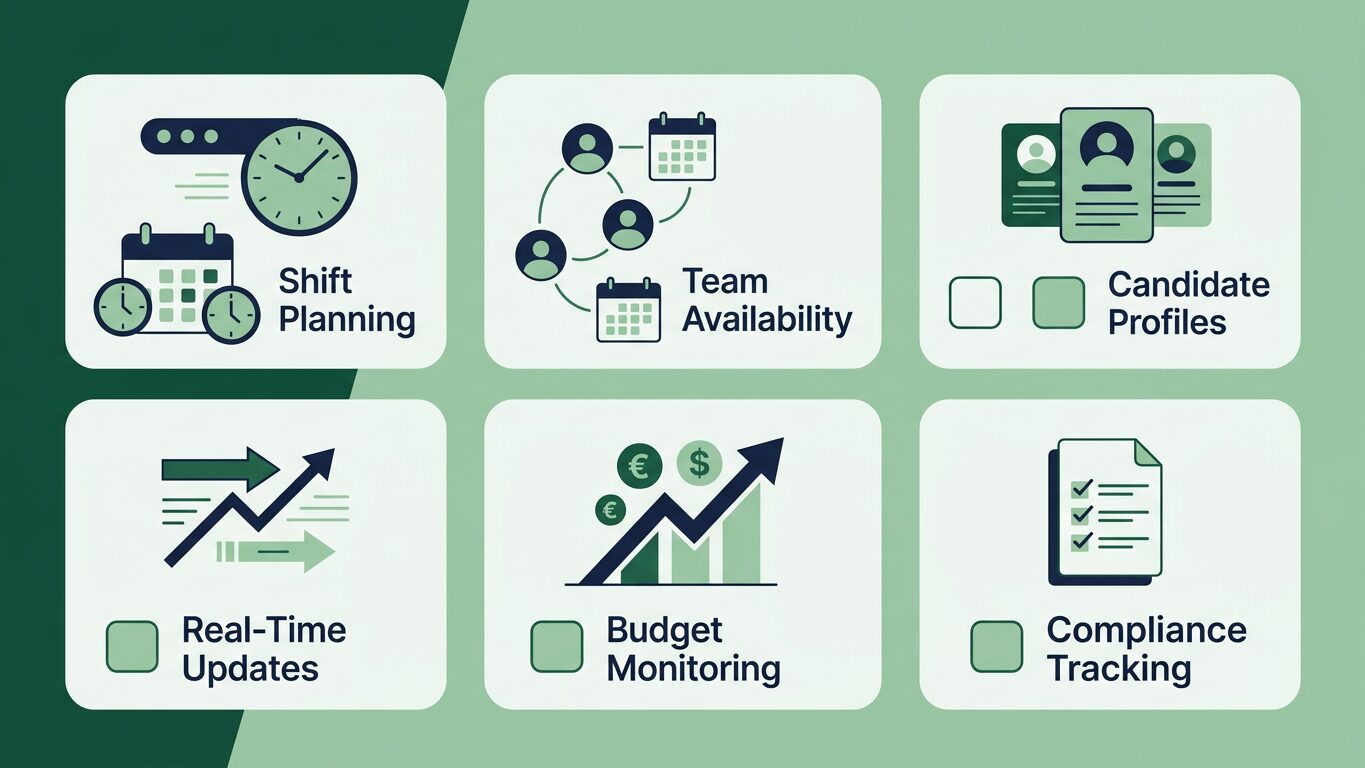
A checklist of critical features employers should evaluate when choosing a temporary staffing dashboard.
Checklist for Evaluating Your Temporary Staffing Dashboard Needs
When considering a temporary staffing dashboard for your organisation, ensure it meets your specific operational needs. Use this checklist as a guide to determine if a platform provides the necessary visibility and control:
- Clear Shift Visibility: Can you instantly see the status of all open, confirmed, and fulfilled shifts across your organisation?
- Easy Shift Posting: Is it straightforward to create and submit new shift requests with all necessary details?
- Worker Overview: Can you verify basic worker compliance status (e.g., right-to-work clearance) and quickly identify assigned temporary workers?
- Streamlined Timesheet Approval: Does it offer a clear, efficient process for reviewing and approving worker timesheets against booked shifts?
- Budget Tracking: Can you track spending against budget in real-time, with breakdowns by department, project, or role?
- Communication Flow: Does it facilitate efficient communication with agencies regarding bookings, changes, or issues?
- Reporting Capabilities: Are there useful reports on worker utilisation, spend, attendance, and fill rates to inform decision-making?
Implementing a Valuable Employer Dashboard
Implementing a new temporary staffing dashboard should focus on user adoption and seamless integration with existing processes. For employers, the goal is to reduce manual effort, improve shift fill rates, and enhance decision-making. Choose a system that offers an intuitive interface, minimal training requirements, and responsive support. A well-implemented dashboard provides a clear overview of your temporary workforce, offering the transparency needed to manage staffing efficiently and cost-effectively. It should serve as your primary point of contact for all temporary worker-related activities, from initial requests to final timesheet approvals.
Managing temporary staff effectively requires clarity and control over every stage of the staffing process. A dedicated dashboard provides employers with the tools to oversee shifts, workers, and budgets efficiently. If you're looking to streamline your temporary staffing operations, joining the Youtemp waitlist can give you access to a platform designed for clear overview and control. Join the Youtemp waitlist today to see how a dedicated employer portal can simplify your staffing needs.
Streamline Your Temporary Staffing Operations
Discover how a dedicated employer portal can provide the visibility and control you need to manage your temporary workforce efficiently. Join the Youtemp waitlist for early access.