What a Client Portal Offers Employers in Temporary Staffing
A client portal for temporary staffing provides employers with a centralised platform to manage shift requests, track worker availability, approve timesheets, and oversee their temporary workforce efficiently.
usman ahmed
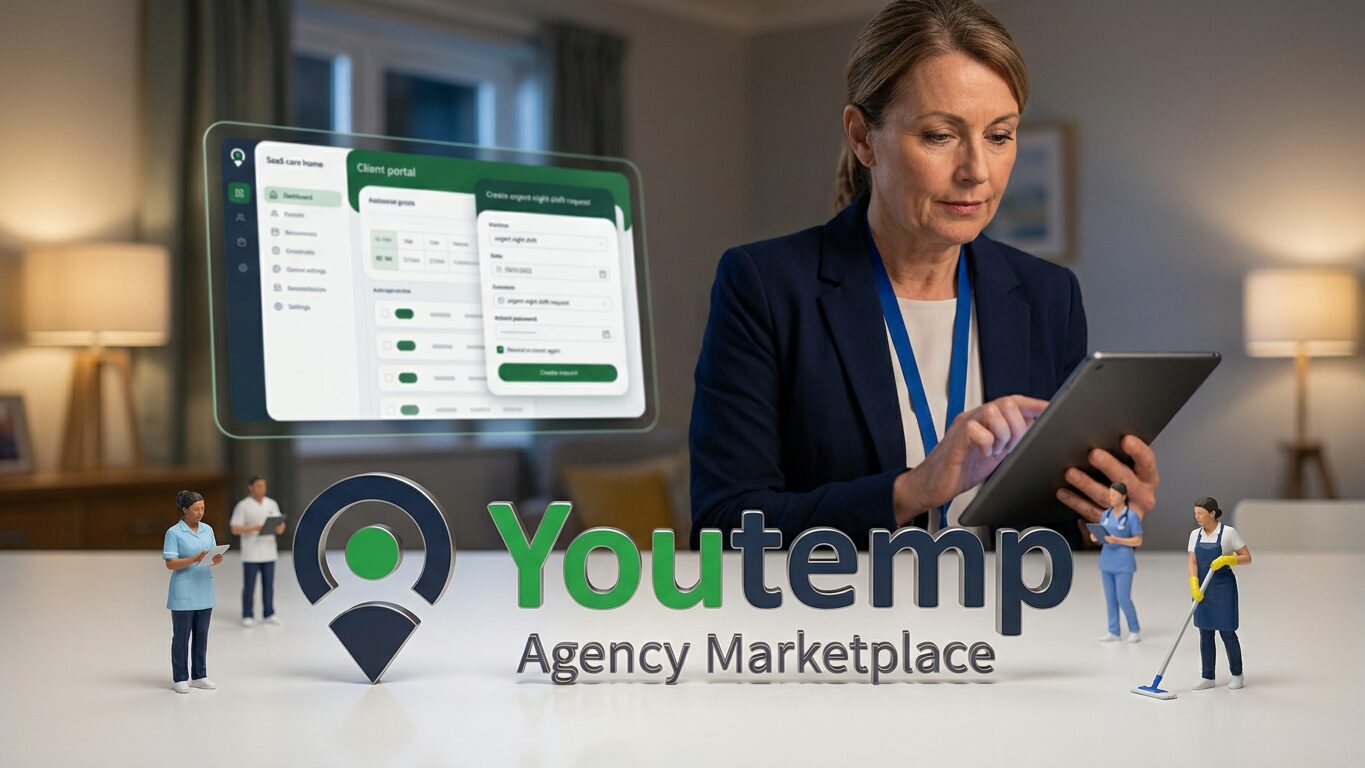
Key takeaway
A dedicated client portal gives employers real-time control and transparency over their temporary workforce, streamlining requests and approvals to improve operational effectiveness.
For employers engaging with temporary staffing agencies, managing shift requirements, worker details, and administrative tasks is typically a fragmented process involving multiple communication channels. A client portal offers a direct, digital connection to the staffing agency's operations, moving away from phone calls and emails for every interaction. This dedicated online access allows hirers to coordinate their temporary staff needs more effectively, providing transparent visibility into their temporary workforce. It streamlines interactions with recruitment agencies, giving employers greater control over their staffing process from initial request through to final timesheet approval.
What is a Temporary Staffing Client Portal?
A client portal in temporary staffing is a secure, web-based platform that acts as a direct line between an employer and their staffing agency. Instead of relying on a series of emails, phone calls, or even messaging apps, the portal centralises all communication and operational tasks related to temporary worker engagement. For employers, this means a single point of access to manage their specific temporary staffing requirements, from requesting workers for immediate shifts to reviewing worker profiles and approving submitted timesheets. It's built to give hirers direct, actionable insight into their temporary workforce requirements and current bookings.
Key Features for Employers Using a Client Portal
Modern client portals are designed with the employer's operational needs in mind, offering a suite of functionalities to simplify temporary staff management. These usually include:
- Shift Management: Employers can post new shift requests quickly, detailing requirements like skills, experience, location, and specific shift times. They can also review and modify existing shift bookings, or cancel shifts if operational needs change. This reduces the back-and-forth typically associated with shift coordination.
- Worker Visibility & Verification: Gain access to worker profiles provided by the agency, often including relevant certifications and compliance documents like right-to-work checks. This enables hirers to verify worker suitability before confirmation. Some portals allow employers to mark preferred workers for future bookings, helping maintain continuity of care or specific operational expertise. You can learn more about managing staff through a portal on our staff management features page.
- Timesheet Approval: Digital timesheets submitted by temporary workers or agencies can be reviewed and approved swiftly within the portal, greatly speeding up the payroll preparation process and ensuring accuracy. Any disputes or queries regarding hours worked can be raised and resolved directly within the platform, creating an auditable record.
- Booking History & Reporting: Maintain a clear audit trail of all temporary worker requests, bookings, cancellations, and associated costs. This feature supports budget management and provides insights into staffing expenditure and fill rates. For more on this, visit our budget reporting section.
- Communications: A dedicated messaging function within the portal allows for direct, auditable communication with the agency regarding specific shifts or workers, reducing reliance on external channels and ensuring a clear record of all interactions.
Practical Staffing Scenarios Improved by a Client Portal
Consider how a client portal can streamline common challenges faced by employers and provide better operational oversight:
- Urgent Care Home Staffing: A care home experiences an unexpected staff illness, requiring immediate cover for a night shift. Instead of waiting for a phone call to be returned, the shift manager logs into the client portal, posts the urgent requirement with specific qualifications like DBS clearance and care experience. The agency receives instant notification, and can propose suitable, available workers. The manager reviews worker profiles, confirms a booking, and the worker is notified, all within minutes. An audit trail of the swift fulfilment is automatically logged.
- Resolving Logistics Shift Variances: A logistics firm had 15 temporary warehouse operatives booked for an afternoon shift, but due to a stock delivery delay, only 10 are now needed. The operations manager can adjust the worker numbers for the shift directly in the portal. The agency is notified immediately and can reallocate the unneeded workers, reducing unnecessary spend for the employer and preventing no-shows for the unassigned workers. The change is clearly recorded for billing reconciliation.
- Hospitality Timesheet Query: A hotel manager receives a timesheet for a temporary chef that shows a break taken at an unusual time, potentially impacting kitchen cover. Within the portal, the manager can view the digital timesheet, cross-reference it with shift start/end times, and send a specific query to the agency for clarification. The entire communication is contained within the shift record, ensuring transparency for all parties involved before final approval for payroll.
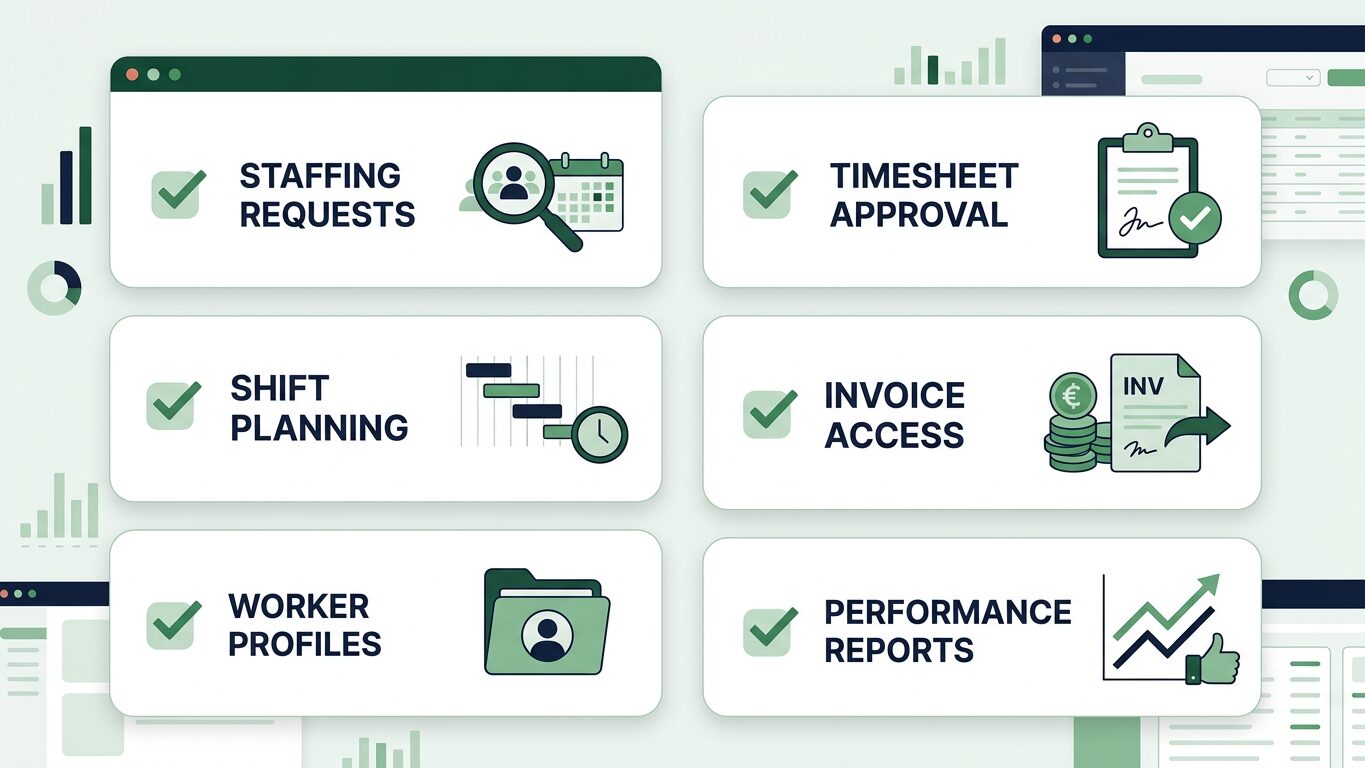
Evaluate a client portal effectively with this checklist to ensure it meets your temporary staffing operational needs.
Choosing a Client Portal: What Employers Should Look For
When evaluating a staffing agency's client portal, employers should consider several factors that impact day-to-day operational effectiveness and control. A well-designed portal should offer intuitive navigation and a clear layout, allowing hirers to quickly find the information they need.
Client Portal Checklist for Employers:
- Ease of Use: Is the interface straightforward for posting shifts, approving timesheets, and reviewing worker details without extensive training?
- Real-Time Data: Does it provide live updates on worker availability, agency fill rates for your shifts, and booking statuses, giving you current operational insight?
- Reporting Capabilities: Can you access comprehensive reports on overall temporary staff spend, worker hours against specific cost centres, and historical shift data for budget planning?
- Communication Tools: Does it include direct, auditable messaging with the agency, making queries and clarifications simple, and reducing email chains?
- Security: Is your operational data and worker information protected with appropriate data security and access controls?
- Mobile Access: Can you manage urgent needs or approve critical timesheets from a mobile device or tablet, offering flexibility for busy managers?
- Customisation: Does it allow for maintaining lists of preferred workers for your locations or specific site preferences for shift roles?
For more detailed information on managing your shifts and workers, explore our resources for employers.
The Operational Benefits of a Client Portal
Utilising an agency's client portal offers a range of operational benefits for employers. It significantly reduces the administrative burden associated with temporary staffing by centralising requests, approvals, and communication. This leads to faster shift fulfilment, fewer errors in timesheet processing, and improved accuracy in budgeting. With greater transparency into worker selection, including visibility of compliance documentation, employers can make more informed decisions about their temporary workforce. Ultimately, a client portal helps employers maintain better oversight and control over their temporary staffing spend and activity, reducing operational friction.
A dedicated client portal simplifies how employers manage their temporary staffing needs. If you're looking to streamline your temporary staff requests, timesheet approvals, and gain better oversight, consider exploring how a platform like Youtemp can integrate these operations. Join our waitlist to learn more about Youtemp's employer features.
Practical checklist
- Ease of Use: Is the interface straightforward for daily tasks?
- Real-Time Data: Does it provide live updates on shift status?
- Reporting Capabilities: Can you track costs and hours easily?
- Communication Tools: Is there direct messaging with the agency?
- Security: Does it protect your data and worker information?
- Mobile Access: Can you manage urgent needs on the go?
- Customisation: Does it support preferred workers or site preferences?
Streamline Your Temporary Staffing Operations
Discover how Youtemp's features help employers manage shift requests, approvals, and budget reporting more efficiently. Join our waitlist to see it in action.